Send Clawback
This guide shows how to add a clawback window when sending XCH from a Cloud Wallet vault, then claw back, finalize, or push through the transfer.
You need a Cloud Wallet account and at least one vault. If you have not created a vault yet, follow the Getting Started Guide first.
Clawback on send applies to XCH vault sends only. Token and NFT sends do not include this clawback card at this time.
Prerequisites
- An active Chia Cloud Wallet account with at least one vault that holds XCH
- Access to your vault spend key (Chia Signer app or passkey) to sign the send and any later clawback or finalize action
- A recipient wallet that supports clawbacks when you want them to claim normally (for example another Cloud Wallet vault or Sage)
What clawback does
When you send XCH with a clawback timeframe, the recipient can see the incoming transfer, but cannot spend the funds until the window ends or you finalize early. During the window you can return the funds to your vault. After the window expires you can no longer claw back; if the recipient’s wallet does not support clawbacks, you can still Push Through the funds to them.
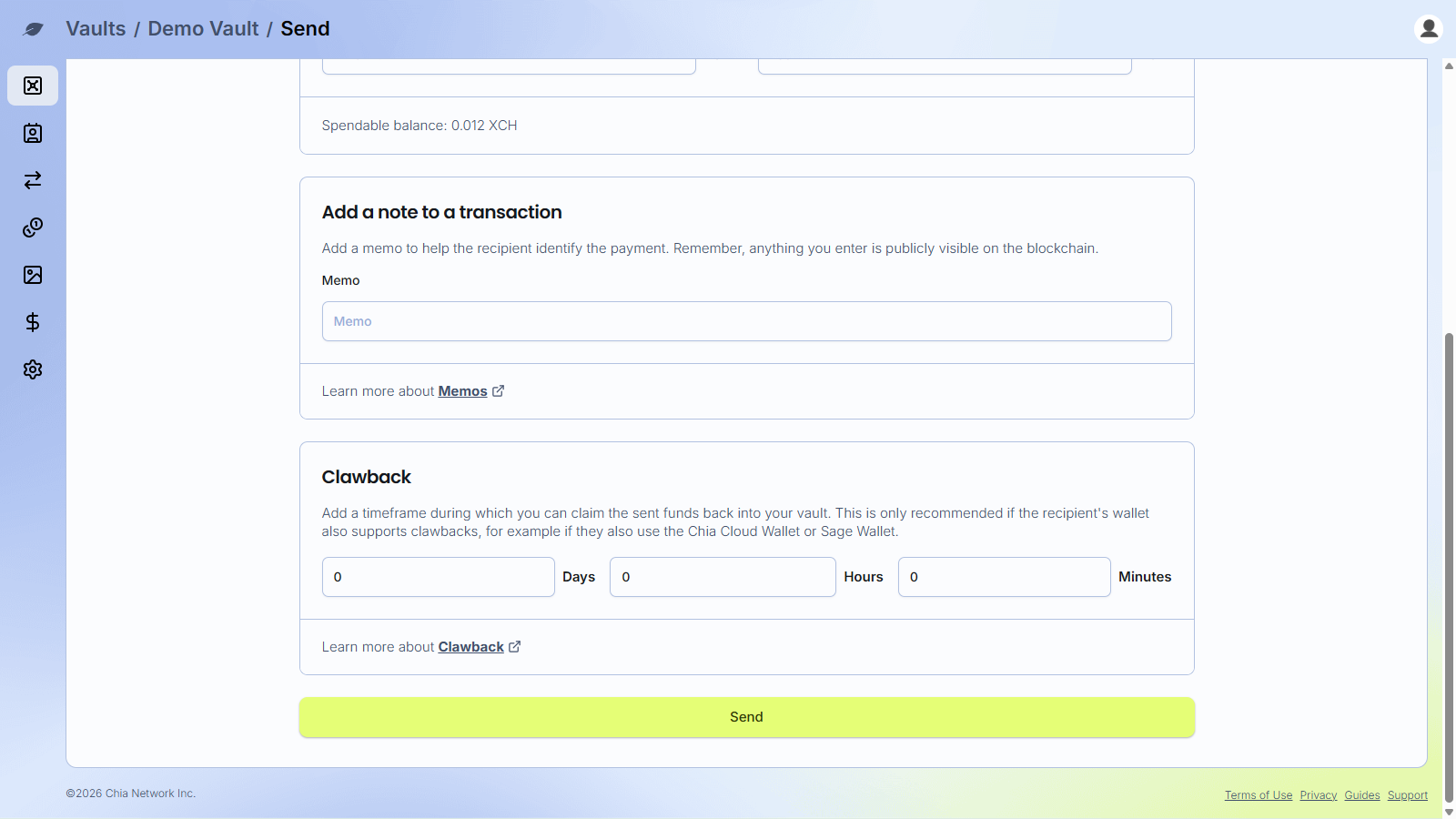
Leave Days, Hours, and Minutes at 0 to send without clawback.
For a short conceptual overview, see Clawback in Tooltips. Recovery clawback (vault rekey wait) is a different feature; see Recovery.
Send XCH with clawback
-
Log in to your Chia Cloud Wallet account.
-
Open the vault that holds the XCH you want to send.
-
Click
Send XCH(orSendfor your vault’s primary asset). -
Enter the recipient, amount, fee, and optional memo as usual.
When the network is busy, include a fee that is likely to confirm promptly. Clawback actions (
Claw Back,Finalize, and laterPush Through) are only available after this send confirms on-chain—not while it is still in the mempool. If confirmation takes longer than the clawback window you set, the window can expire before you can use those options, which defeats the purpose of clawback. -
In the
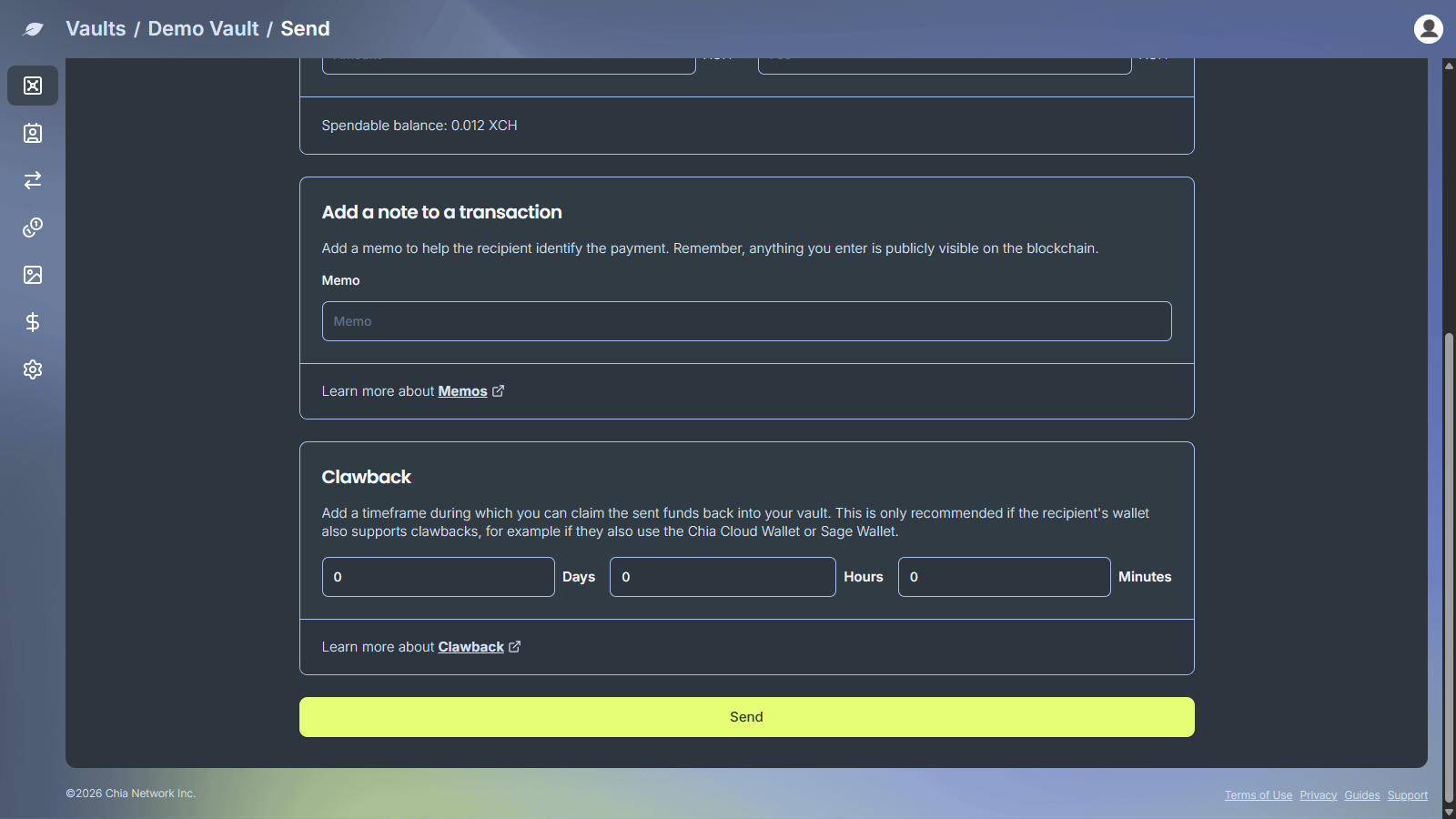
Clawbackcard, setDays,Hours, and/orMinutesfor the window during which you can reclaim the funds.- Limits: days up to 365, hours up to 23, minutes up to 59
- The card explains that clawback is recommended when the recipient’s wallet also supports clawbacks
- Use
Learn more about Clawbackfor the tooltip summary
- Click
Send, then sign the transaction.
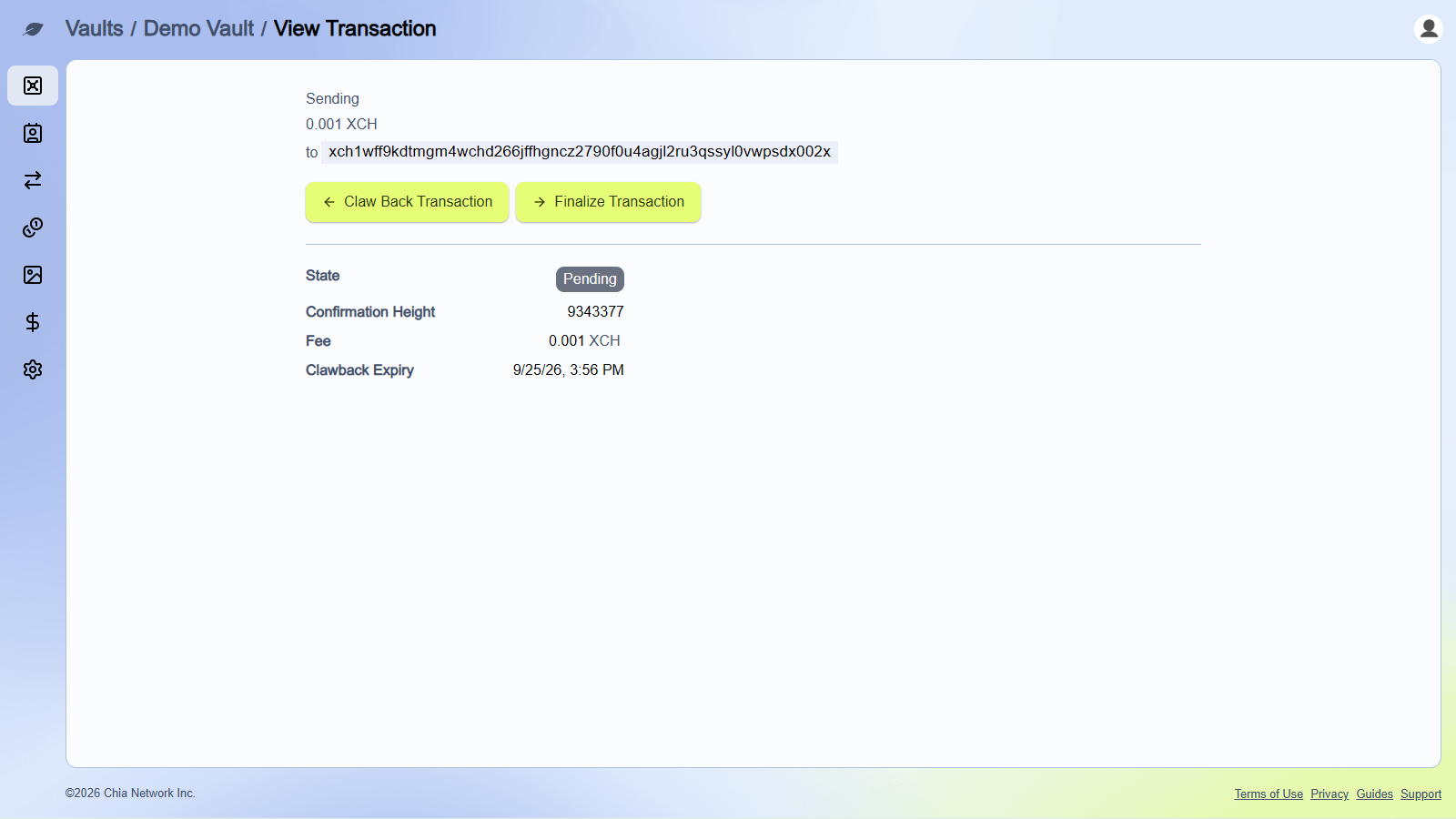
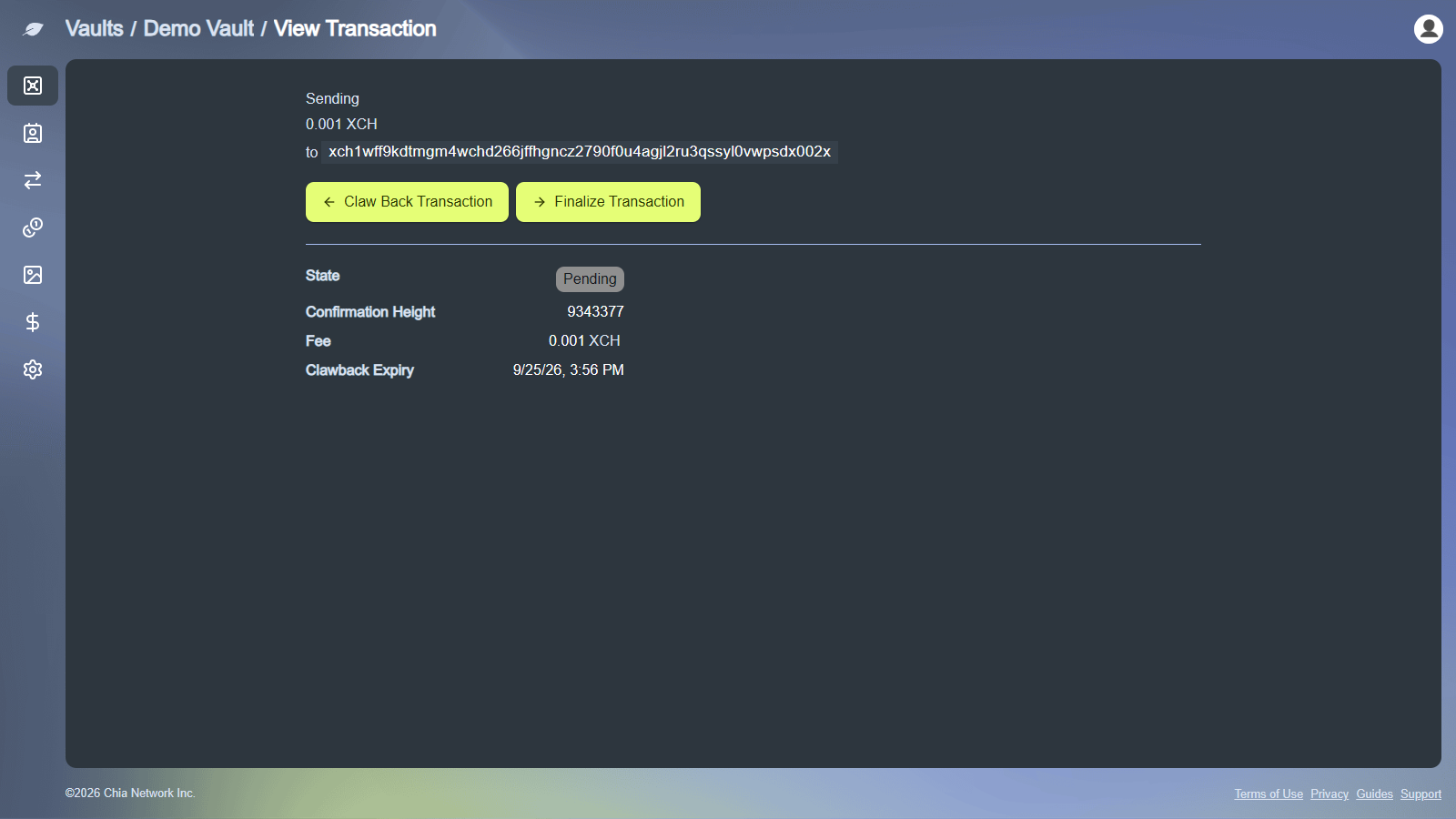
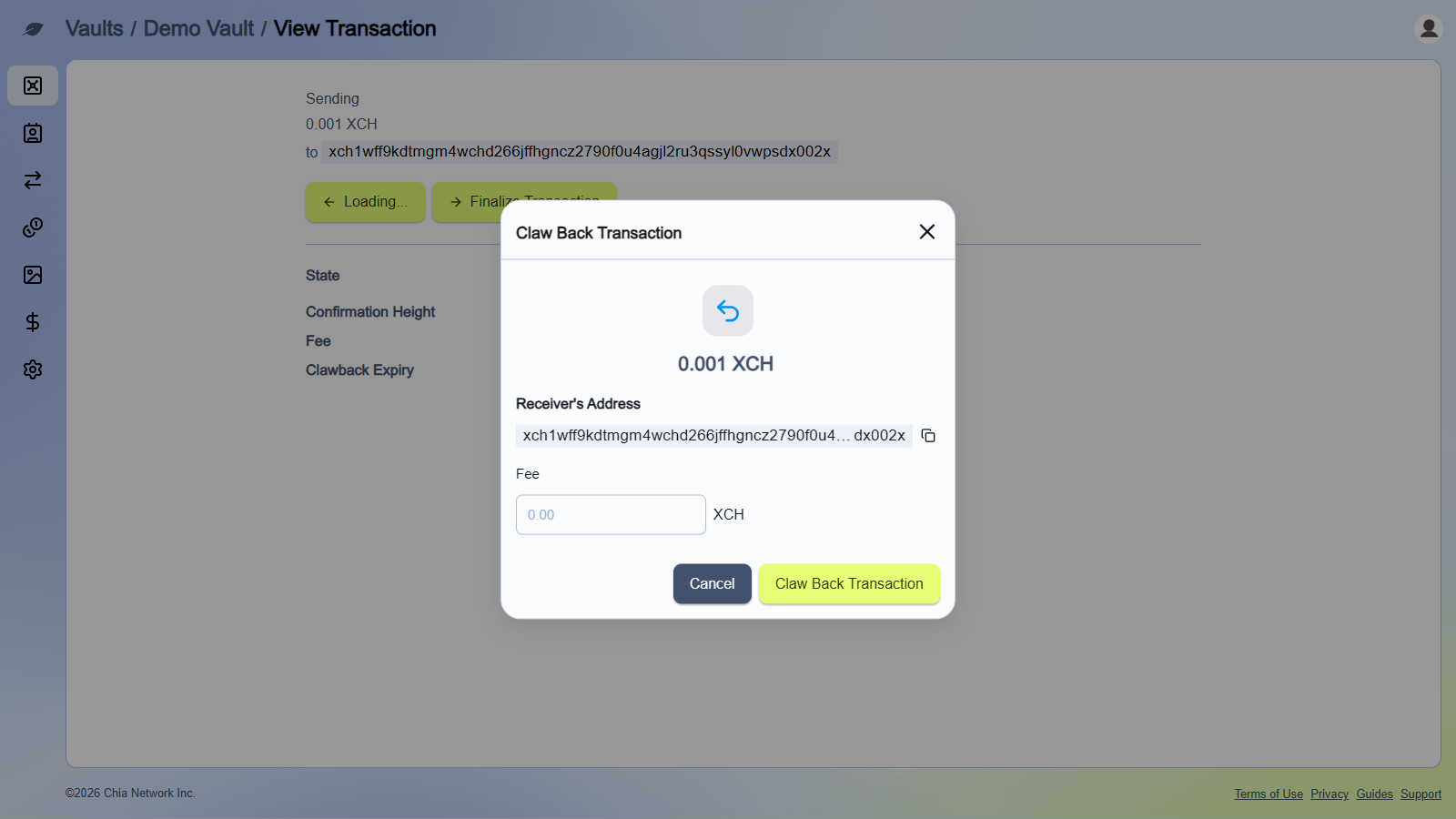
After the send confirms on-chain, the outbound transfer shows as pending while clawback is active. Open the transaction for details such as Clawback Expiry and a settle countdown (for example Settles with a relative time). From that details screen you can Claw Back Transaction or Finalize Transaction while the window is open.
Claw back before expiry
Use this if you sent to the wrong address or need to reclaim the XCH while the window is still open. The send must already be confirmed on-chain so these actions appear on the transaction details screen.
-
Open the pending clawback transaction from your vault activity.
-
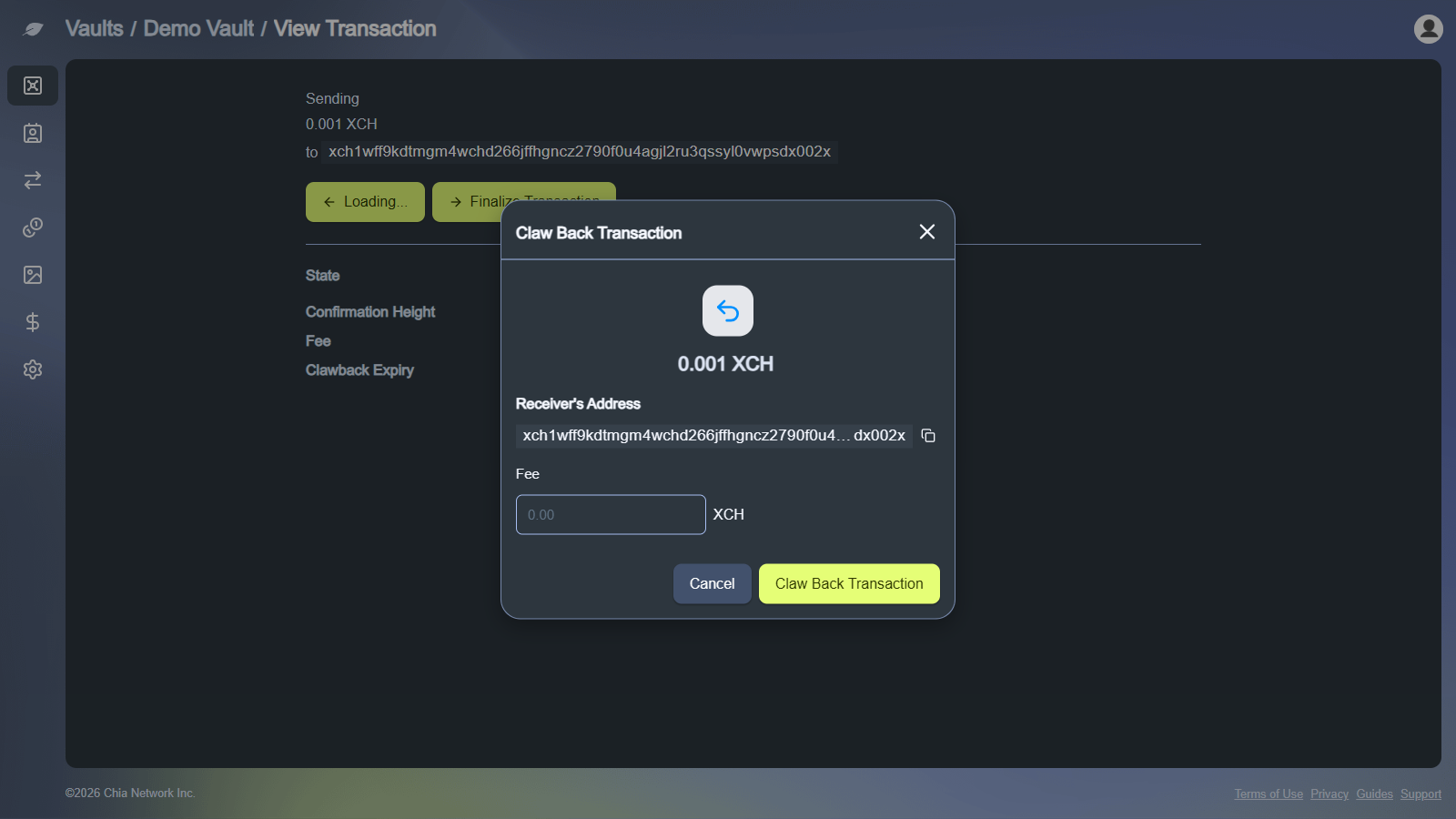
Choose
Claw Back Transaction. -
Enter a fee if prompted, then confirm
Claw Back Transactionand sign.
The funds return to your vault after the clawback transaction confirms. This requires another on-chain fee and signature.
Finalize before expiry
If the recipient confirms they can see the incoming XCH and you want to release it early, use Finalize Transaction on the same confirmed transaction details screen.
-
Open the pending clawback transaction.
-
Choose
Finalize Transaction. -
Enter a fee if prompted, confirm, and sign.
Finalizing releases the funds to the recipient immediately instead of waiting for the timer.
Push through after expiry
After the clawback window ends, you can no longer claw the funds back. If the recipient’s wallet does not support clawbacks, choose Push Through to deliver the funds, then sign.
The app may show: you can no longer claw back this transaction, but you can still push the funds to the recipient if their wallet doesn’t support clawbacks.
Troubleshooting
- Clawback fields appear only on XCH vault Send; token and NFT sends do not include clawback at this time
- Set at least one of Days, Hours, or Minutes greater than zero to enable clawback
- Prefer recipients on Cloud Wallet or another clawback-capable wallet (such as Sage)
Claw Back,Finalize, andPush Throughappear only after the original send confirms on-chain (not while it is in the mempool)- Under fee pressure, use a sufficient fee so confirmation is unlikely to outlast your clawback window
- Claw back, finalize, and push through each need a fee and a new signature
- For additional support, use In App Support